Custom Push Notifications: A Smarter Way to Drive Real-Time Action

Anil Meena
Oct 24, 2025
4 minutes read
Email gets crowded. Social posts get missed.
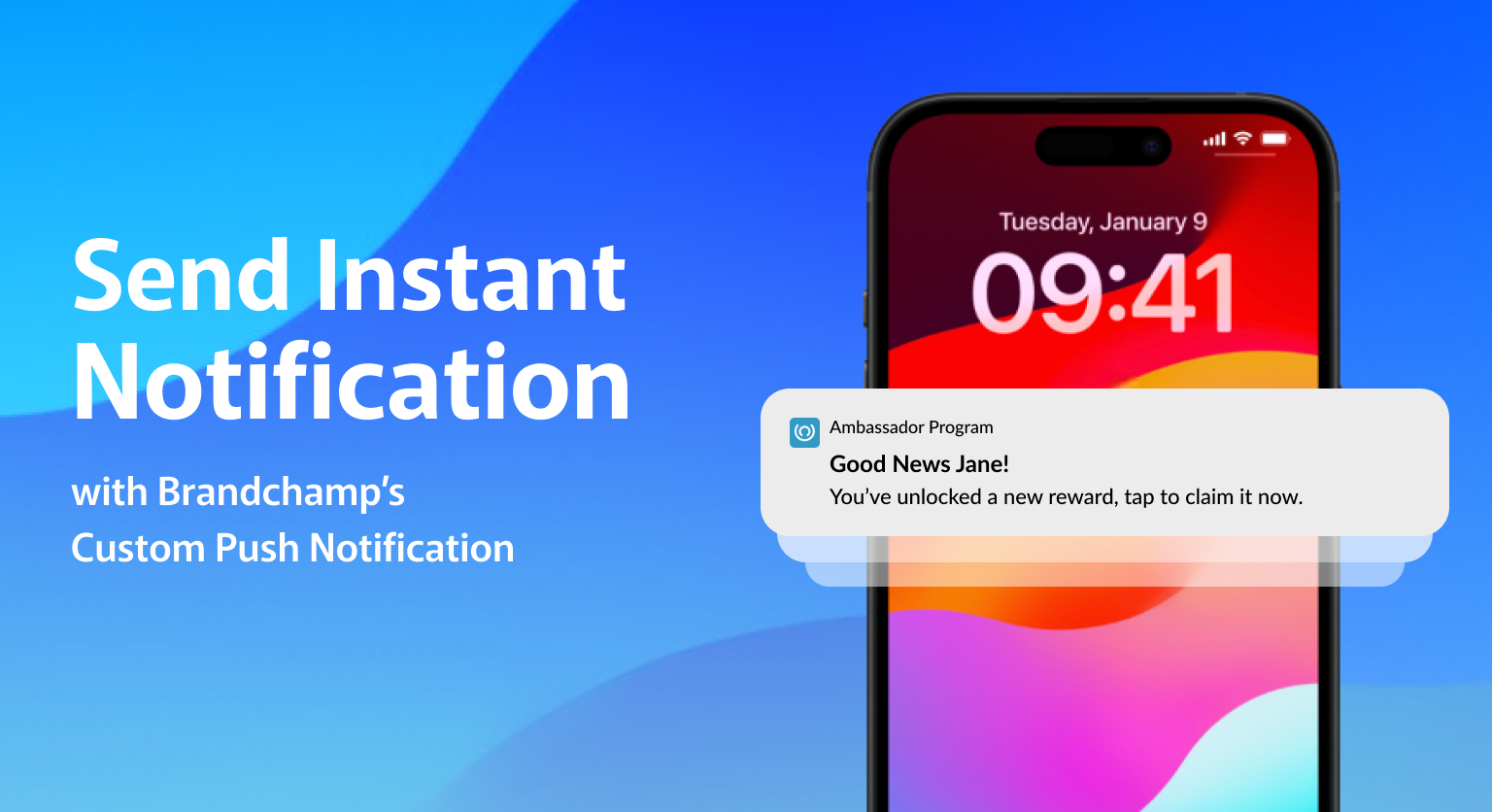
But what if you could reach your ambassadors right where they are, on their device, in real time, with a message that drives them to take action instantly?
That’s what Custom Push Notifications bring to BrandChamp.
It’s more than a new feature, it’s a new communication channel for your ambassador program.
How Custom Push Notifications Help Drive Engagement
For most ambassador programs, engagement happens inside inboxes, feeds, or portals that rely on users logging in. But push changes that dynamic.
With Custom Push Notifications, you’re no longer limited to the inbox.
You can reach ambassadors directly on their devices and inspire action the moment it matters.
This is about moving communication out of the inbox and onto their screens, where it’s personal, timely, and impossible to miss.
1. Direct Access to Mobile Devices
Push notifications give you a direct line to your ambassadors’ devices, no app store download, no email open required.
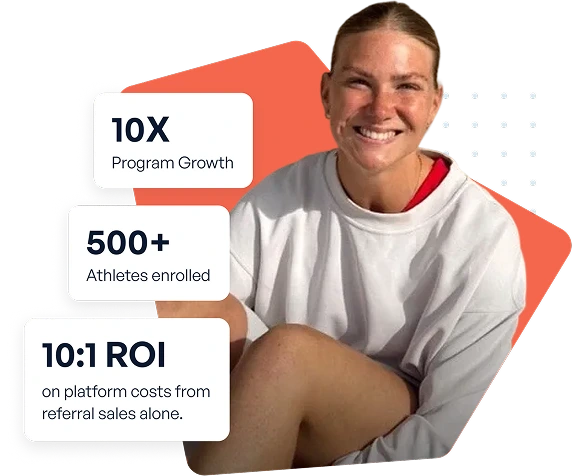
How U Perform Grew to 500+ Athlete Ambassadors with BrandChamp
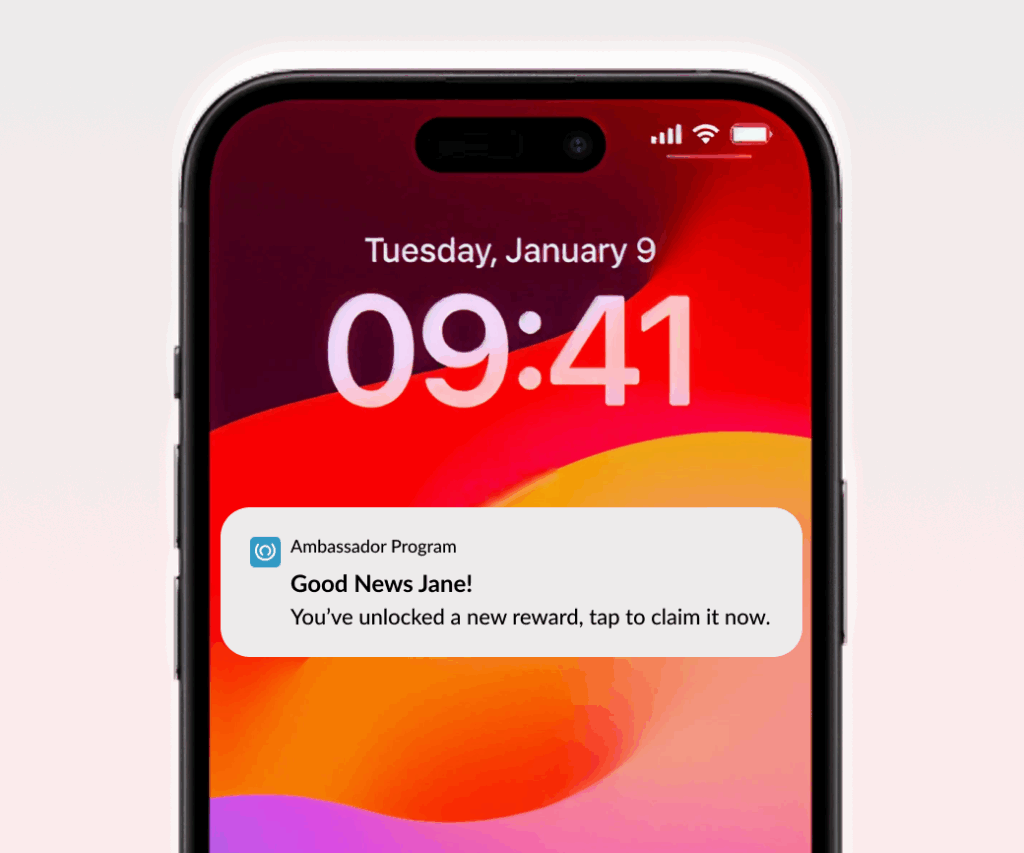
Once your BrandChamp Mobile app is installed, your message can appear as a native device alert, just like any other app notification.
That means your updates, campaigns, and reward announcements can cut through the noise and meet users exactly where they spend their time.
The result? More visibility. More immediacy. Less dependency on email.
2. Real-Time Communication that Drives Engagement
Push notifications reach your community instantly.
That makes them perfect for time-sensitive campaigns or moments when every minute counts.
Use them to:
- Remind ambassadors of an activity that’s about to close
- Announce new challenges or reward drops
- Prompt users to re-engage with your program after inactivity
When communication happens in real time, participation rises and engagement feels more natural.
3. Customize and Segment for Precision
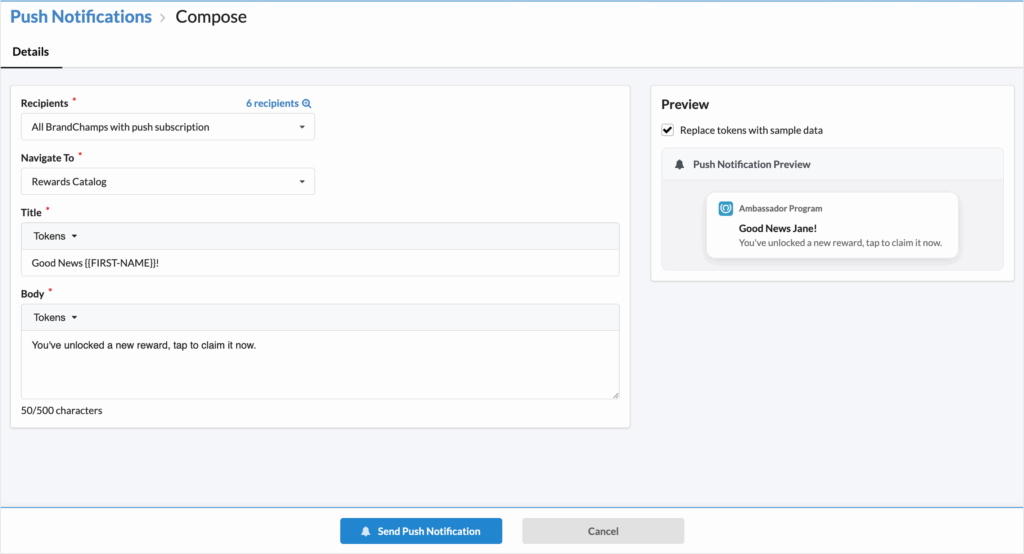
With support for tokens like {{FIRST-NAME}} and tag-based targeting, you can personalize every message and send it only to the right segment of ambassadors.
Whether it’s targeting your most active users or re-engaging a specific tier, segmentation ensures each notification is relevant and meaningful.
That means higher engagement and fewer “I’ve seen this before” moments.
Send the right message, to the right person, at exactly the right time.
4. Control Over Destination and Action
Every push notification includes redirection.
You can choose where ambassadors go when they tap, whether that’s:
- Activity page
- Community feed
- Rewards
- Or the Referrals
It’s full control over your message flow, from notification to destination, so every push leads to measurable action.
Real-World Examples
Here are a few ways brands are already using push to make communication feel effortless:
- “🎁 New reward unlocked, claim it before midnight!”
- “🔥 You’re just one referral away from the leaderboard!”
- “⏳ Your activity submission window closes soon, finish now!”
- “💬 New comment in your post, tap to reply!”
Each & every notification lands directly on the device, instantly connecting ambassadors with your next big moment.
How to Get Started
Custom Push Notifications are available for Pro plans and above.
To start using them, your program must have:
- PWA (Progressive Web App) enabled
- “Enable app installation prompt for users” turned on in Settings > Branding
Once set up, head to Communications > Push Notifications to create your first message.
Notifications will only be delivered to BrandChamps who have installed your mobile app and enabled push notifications on their device.
Make Every Message Count
Custom Push Notifications go beyond speed, they give you control.
They move your communication from “waiting to be opened” to impossible to ignore.
They turn your ambassador program from passive to proactive.
Because when you can reach people where they are, engagement doesn’t have to wait.
Anil Meena
Product Owner at BrandChamp, passionate about designing smart tools and seamless experiences that help brands grow thriving ambassador communities and drive results.
Subscribe our newsletter
Subscribe to get our latest news, features, and any updates.
Share article to:
How BrandChamp helped brands
How Robbie’s Hope Grew a National Movement with BrandChamp
Learn how Robbie’s Hope used BrandChamp to scale its youth ambassador program to thousands of participants, streamline program management, and empower young people to champion mental health awareness across the country.